
You already have a list
A shoebox and a spreadsheet.
Paste it with quantity, condition and printing. A run of commons goes in on one line, and every card gets a numbered place in a box, ready to price and list.
Closed beta
Scanning
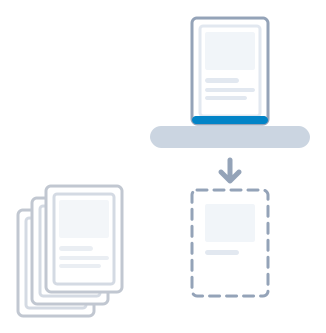
Paste the list you already have, photograph a card with your phone, or put a stack through a scanner. TCGrail's vision engine recognises each card, you confirm it, and every card lands in a numbered place in a box.
Three ways in
A list, a photo or a scan: each card is checked against the catalogue and filed at a numbered place in a labelled box. A scanner helps with big piles, and you never need one.
You already have a list
Paste it with quantity, condition and printing. A run of commons goes in on one line, and every card gets a numbered place in a box, ready to price and list.
One card worth a photo
The vision engine recognises the card and you confirm it. Pick the condition and where to sell it, and it goes into stock and on sale with your own photo, so the buyer sees the copy they get.
A stack and a scanner
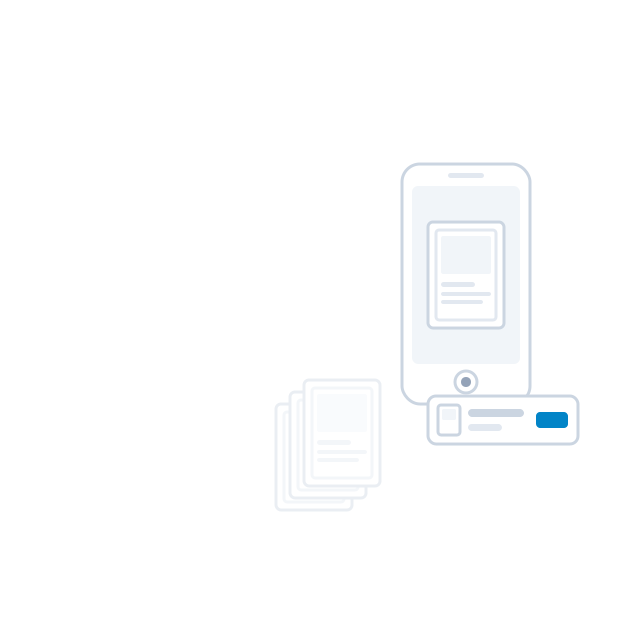
Put a box of cards through a sheet-fed scanner. Both sides of every card arrive in the order they went in, and the vision engine names each one. Go through them beside the catalogue picture, set the condition for the whole box at once, and approve: the box is in stock. Approve and scan next, and the next box is already feeding.
TCGrail works directly with the Ricoh fi‑8170. Other scanners work through scan uploads, and we are working on direct support for more scanners.
TCGrail Relay is a small box in the shop that connects your scanner and printers to TCGrail with no computer in between, so a box goes through the scanner without a laptop beside it.
You typed it in last year
Put a box you once typed in through the scanner. The scans line up against your list, a card that is missing or extra is flagged, and every card in the box gets its photo.
Where is that card?
Every card has a box and a place in it. Search a name and TCGrail tells you which box to open and how far in to count.