TCGrail Join the waitlist

Closed beta

The TCGrail app

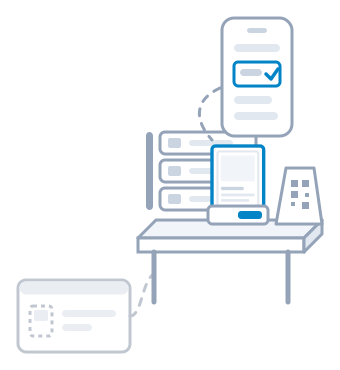
The counter and the show table, on a phone.

Add the TCGrail app to your phone's home screen and the work away from the PC goes with you: sell a card by scanning its tag, find a copy, put a card you just bought on sale and walk a picking list. In your shop, and at a card show.

Join the waitlist For game stores

Opening up in the morning

It opens on what needs doing.

The first screen counts the work that is waiting: the picking lists to walk, the reservations to bag and the cards that still need a tag, with a stock check one tap away. Underneath sit three tabs, Sell, Find and Add, one for each job you do away from the PC.

In your shop

Behind the counter, not behind the PC.

Whoever is at the counter sells, answers "have you got it?" and puts new singles out from the phone in their pocket, while the PC stays in the back for the orders.

Read more for game stores

At the counter

A customer brings a card to the till

Scan the tag, and it is sold.

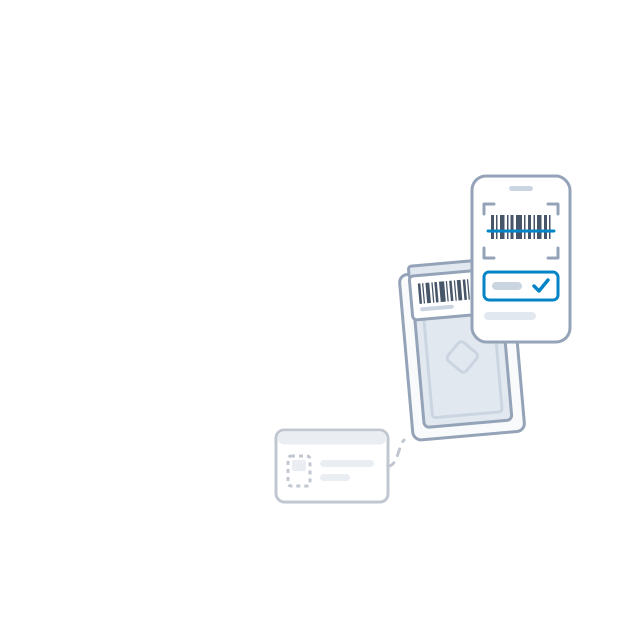
Point the camera at the barcode on the back of the price tag, or use the USB scanner at the till. You see the card, where it sits and the price on its tag, or the new price if it has moved since the tag was printed. Press Sold and you have five seconds to undo it. The card comes out of stock, off your online store and Allegro, and the screen reminds you to take it off Cardmarket. A copy held for a reservation stays held.
"Have you got a Charizard?"

Ask the phone, not the shelves.

Type a name, a set or a number and the answers come as you type. Each copy shows where it is, its condition and its price, and how many are for sale and how many are reserved.

Buying cards and picking orders

Someone sells you a card over the counter

Priced, tagged, in the cabinet.

Find the card by name, or by set and number, and pick where it goes: the glass cabinet, the counter, any special inventory you keep. Your Pricing Rules suggest the price, and the tag comes out of the label printer in the shop while the card is still in your hand. A box of bulk bought from a player is counted on the phone too, category by category.

Twelve orders came in overnight

Pick them with the phone in your hand.

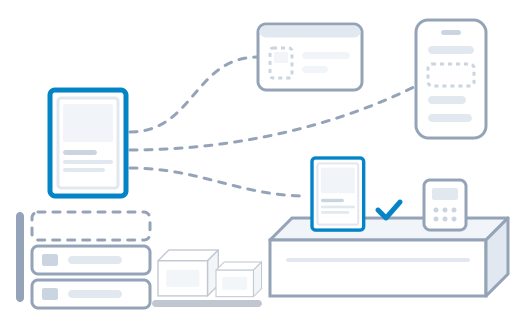
Every order waiting to be picked is listed on the phone, already ticked, so one press makes a single picking list for all of them. Walk it rack by rack and box by box. Ticking each card is up to you. Complete it and the cards come out of stock and the orders are ready to pack. A card that is not in its place gets reported from the list, and the phone sends you to another copy when you have one.

Saturday, three of you behind the counter

Everyone signs in as themselves.

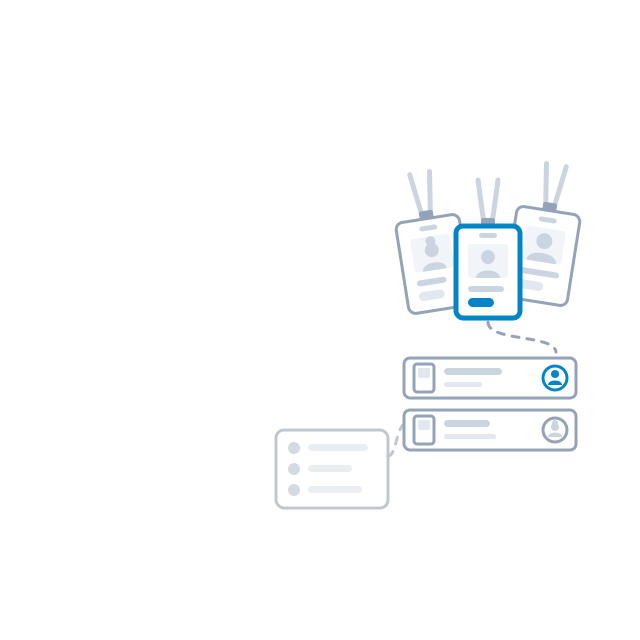
Give each employee an account of their own from your Team page. They sell, take reservations, add and move stock and print tags, on the phone or on the PC. What the shop paid for a card never shows on their screens, and every sale and stock change says who made it, so you can look at one person's day.

At a card show

The whole till fits in your pocket.

Your show boxes, their tags and every sale go to the show on the phone. No laptop on the table, and both hands free for the cards.

Read more about the card show

At the table

A visitor holds up a card from your box

Sold across the table.

Scan the tag on the toploader. You see the card and its price, press Sold, and it is out of stock before the visitor has put their wallet away. The cards held for a visitor's reservation stay theirs.

Someone wants to sell you their binder

Bought at the show, for sale by lunch.

Add the cards you buy straight into a show box. Your Pricing Rules suggest the price, so a card bought in the morning can sell at your table in the afternoon. And when a visitor asks for a card that is not on the table, Find tells you whether it is back home.

Selling on your own

A table at a show, and no shop behind it.

Sell from home and take a table at a show now and then? The app is yours as well. The rest of TCGrail does the work between shows: your cards listed on Cardmarket, Allegro and your online store at your own prices, the orders packed from one picking list and the parcels tracked for you.

Read more for private sellers

Before you ask

Is it in an app store?
No. Open your shop's address on the phone, add it to the home screen, and it opens like any app, under your shop's name.
Do I need a scanner?
No. The phone's camera reads the tag. A USB scanner at the till works too.
What if the signal drops?
What you last opened stays on the screen. Selling and adding need the connection back.

Read more about the price tags it scans

TCGrail is in closed beta

Join the waitlist and we will write when a spot opens.

Join the waitlistSee it in two minutes